MergeService
So far we talked about how we query things and filter them but now how to write them back. There’s of course the GraphQL way where you define input types for your output types and use them in your mutations. That’s something you can do here, too, but we’re not very fond of it.
Writing changes
Section titled “Writing changes”We have the schema, we know all the types involved, we can add validation rules and we have all that stored somewhere in a database which is isomorphic to our domain. All of this combined screams automated solutions. Why code something each time when you can solve it once and for all?
There are simple solutions to build such end-points. ( See HowTo: Use generic schema types )
It’s easy to look at that and go: Well, there’s our solution. But maybe this is looking at it wrong. The problem with these simple generic storeDomainObject helpers is that they, well, store whole domain objects. When User A changes something and user B just misses that edit and changes another field, they will just overwrite User A’s changes without even knowing it. How bad that is, of course, depends on your domain, but it is rarely good.
MergeService
Section titled “MergeService”We created a merge service infrastructure as a general purpose way to store your changes in a secure way where you define what that means for each type.
Generally the merge service operates in two modes based on type configuration. The default mode already protects you from the silent overwrites described above as long as the fields the two users change don’t overlap.
Why the default mode can do that
Section titled “Why the default mode can do that”A versioned type carries a version column holding the id of the record
that describes the row’s current state, and a write goes out WHERE id = ? AND version = <the version the row was read at>. That is the whole of the
concurrency control. Nothing is locked, nothing is paid while nobody else
is editing, and a write that matches no row is a write somebody else got in
front of.
Which is not yet a conflict. Every write records which fields it touched, so the chain of records between the version we read and the version that is there now says what the other writes changed. Where that set does not meet ours, both edits belong in the row, and the write is simply made again against what they left behind. That is the common case and the reason for all of it; a real conflict is the one where the two sets meet.
What it costs to run is two tables and a column per participating type – Enable merging for a type.
You can opt into even more protection in the meta configuration. Here we see the configuration in qlive-test for
the Bar edit example.
    final QLiveDomain domain = QLiveDefaultDomain.newDomain(dslContext, metadataProviders)        // ... rest of the domain configuration        .withMetadataProviders(            MergeMetadataProvider.newProvider()
                // Resolve conflicts for the Bar edit example                .resolveConflicts(Bar.class)                // many-to-many connected to Bar                .resolveConflicts(Baz.class)
                .ignoreFields(Foo.class, "created")        )
.resolveConflicts() enables full merge for the given type and .ignoreFields can be used for fields that always change
and would just cause conflicts forever.
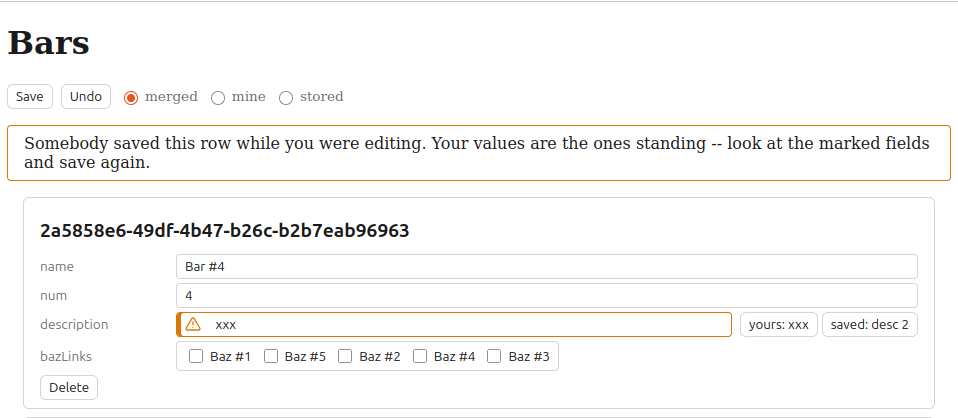
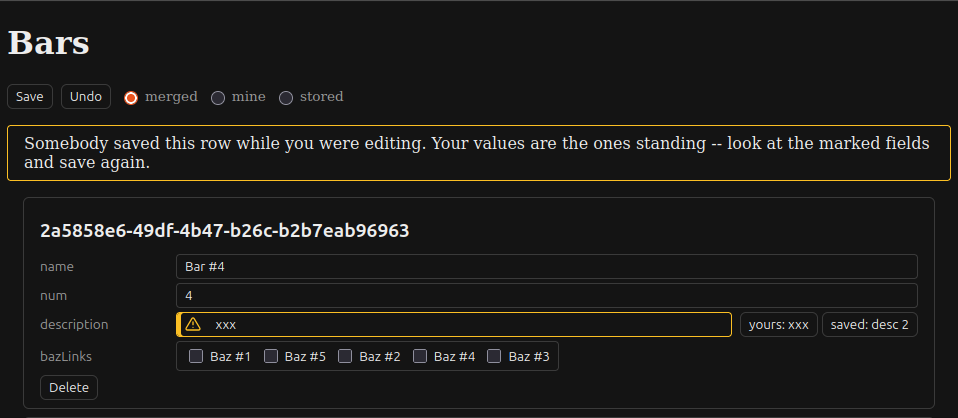
In the default mode, a field both of them changed still refuses the save and names itself. What the form does not get is User B’s value, so all it can say is that somebody else changed this too – and User A’s second save, which now stands against what User B left behind, writes their value over it.
With .resolveConflicts() the refusal carries both values per field, so
User A is shown what they would be overwriting and decides field by field
before saving again.
Those two and the other statement a type can make – .autoMerge() – are
Enable merging for a type.
WorkingSet
Section titled “WorkingSet”The working set is the client side interface for the merge infrastructure. A working set collects a set of changes, each referencing a type and an entity id and applies them together and handles the merge logic and retries etc.
It has its own hook useWorkingSet that provides a live view on the status of that merge.
const { dirty, conflicts, view, merge, undo, setView } = useWorkingSet(ws, { watch: true })Building a form on one – registering the rows, editing through drafts, rendering what happened to a field and offering the choice a conflict leaves – is Edit rows with a working set.
Live updates
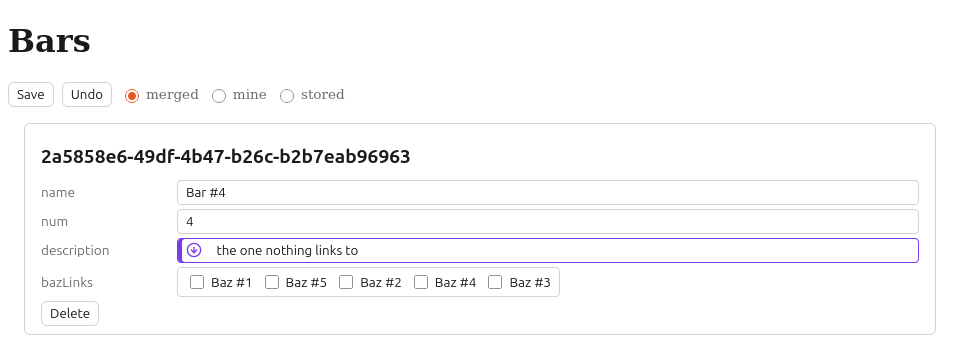
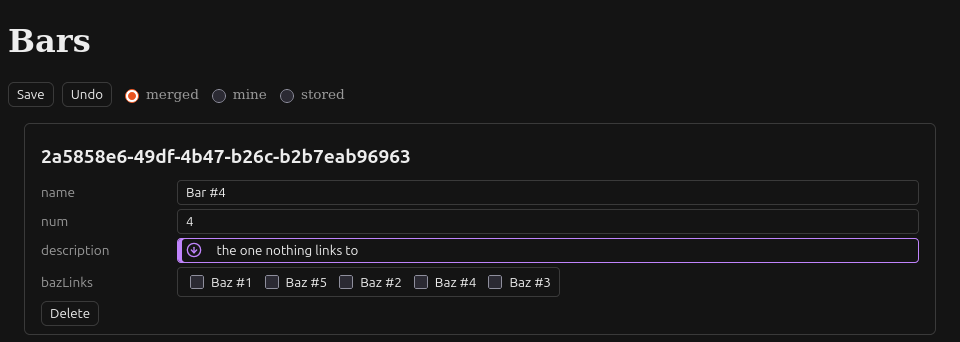
Section titled “Live updates”The watch enables live-updates of changes via web-socket. This way, User A sees User B’s edits. The fields are marked with a “remoteChanged” status before User A saves the first time. If they edit such a flagged file it will turn into a conflict.
The server behavior for the merge itself does not change. It’s just about when then user knows about the then potential conflict.
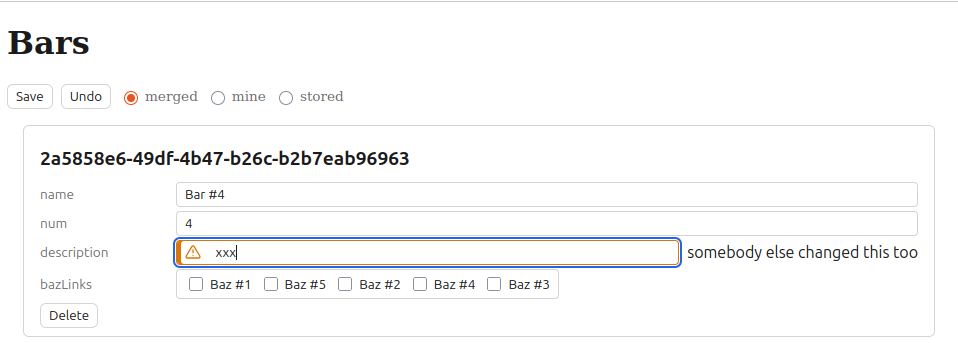
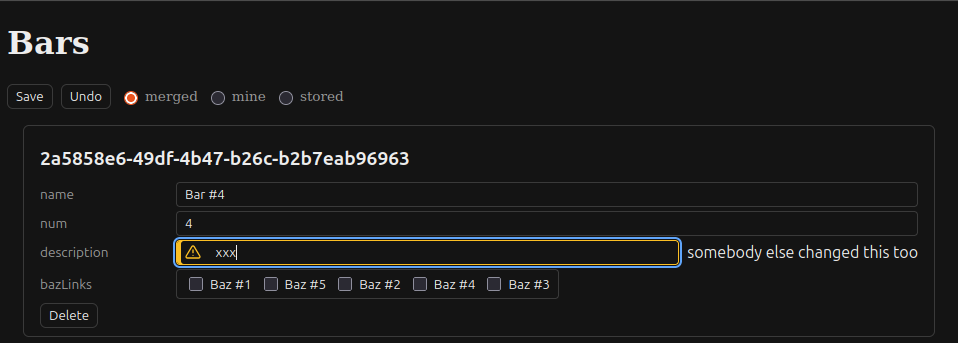
Here we see the qlive-test edit example. It’s what User A sees when User B has changed the description on one of the Bar objects.
If they enter a new value, they get an actual warning.
Conflict handling
Section titled “Conflict handling”An attempt to save then creates the conflict state. User A has to decide which value to keep. This happens the same with or without live updates.